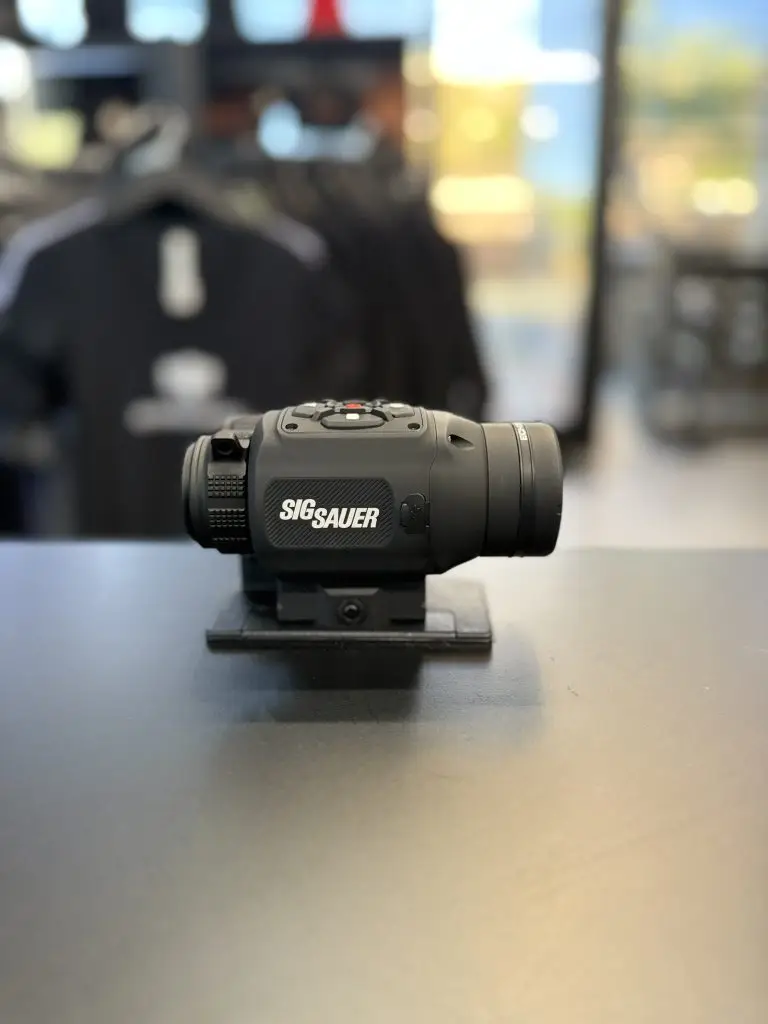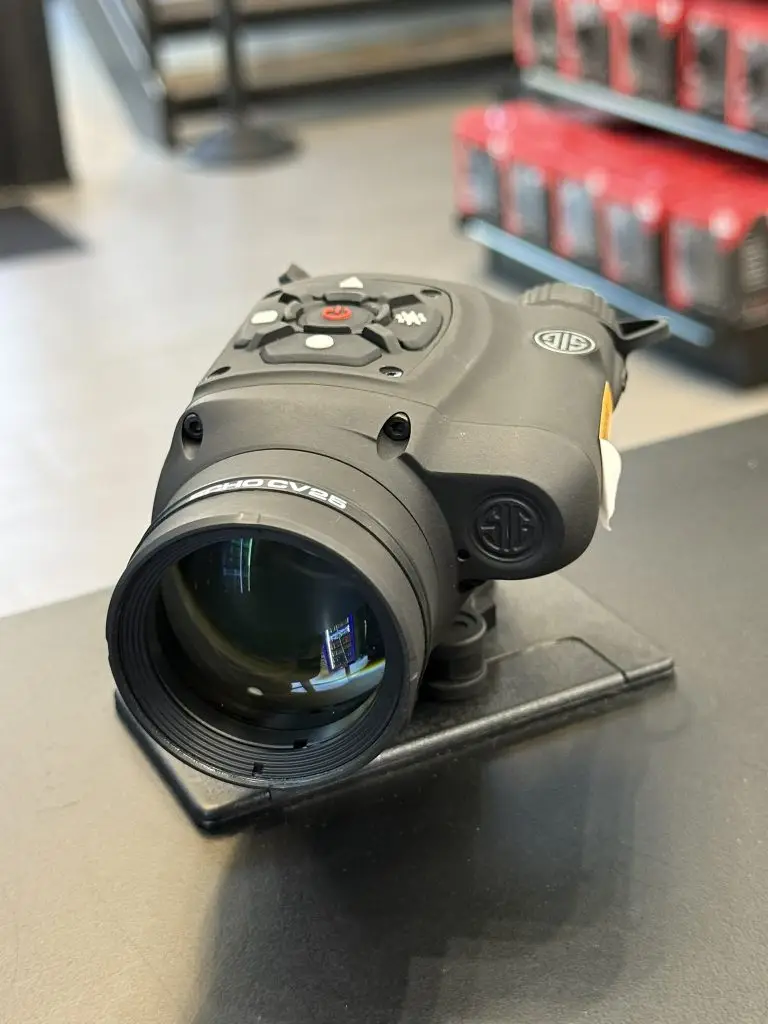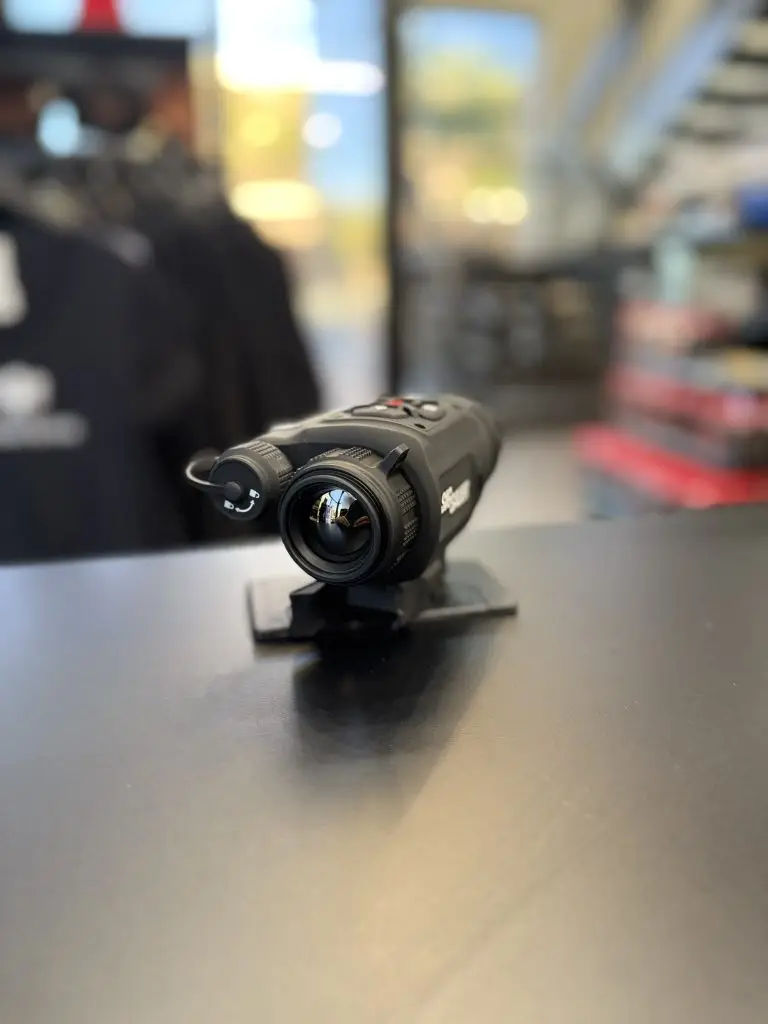

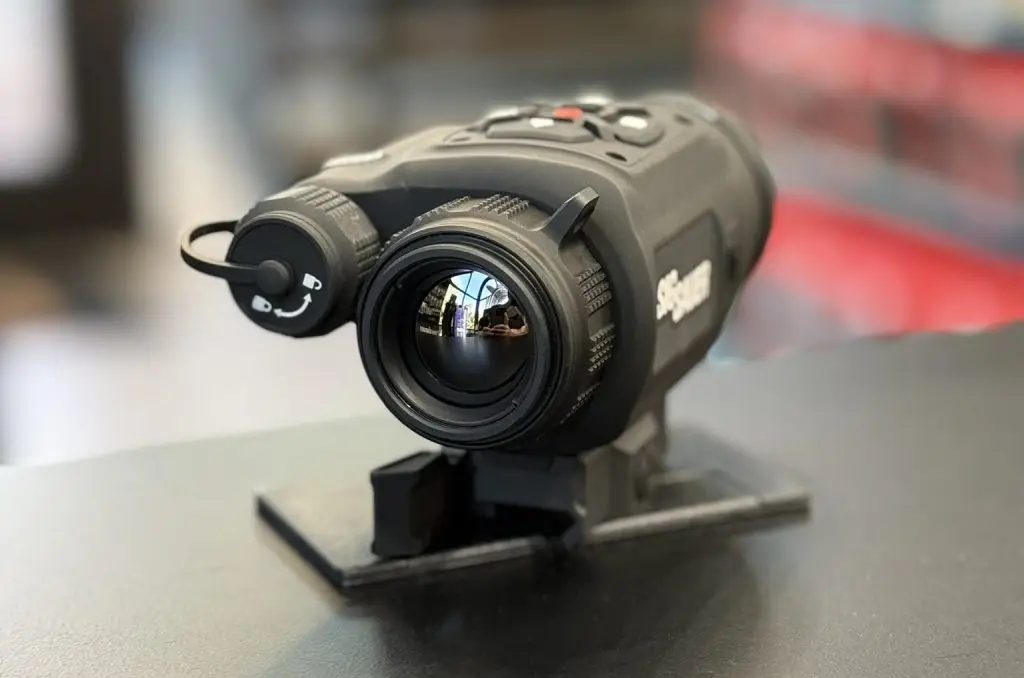
Leveraging years of experience blending innovative electronic technologies with rugged optical systems, SIG SAUER’s new ECHO thermal category provides a comprehensive spectrum of performance-driven optics to deliver the innovation and quality that has become synonymous with the SIG SAUER name.
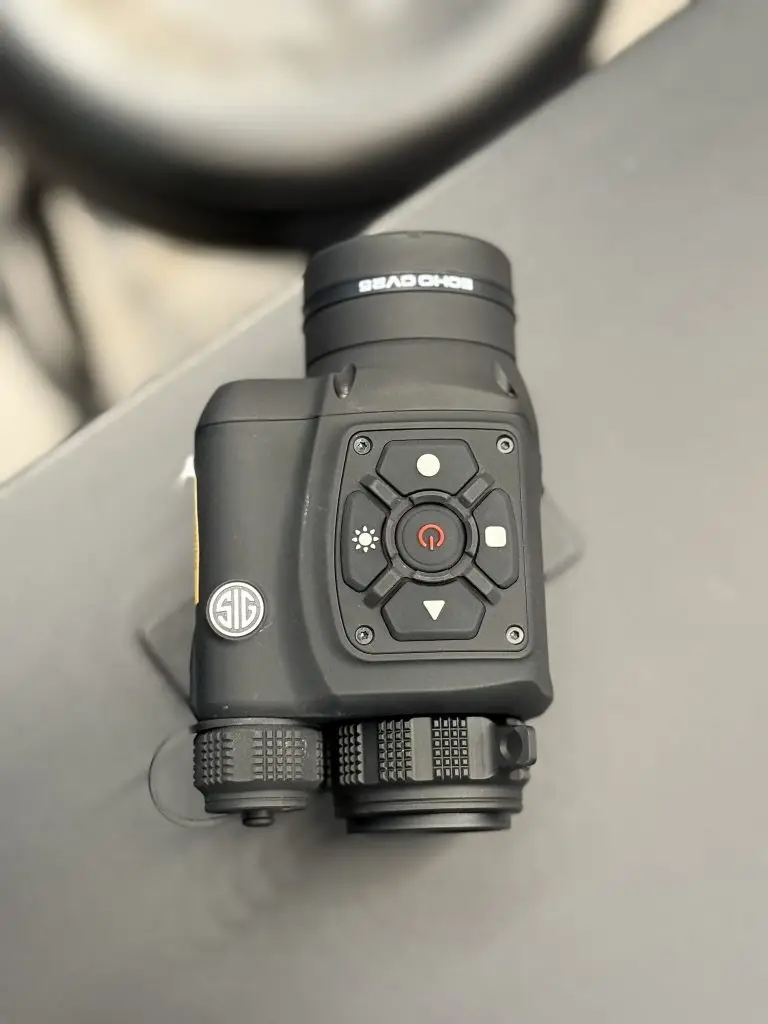
Equipped with BDX 2.0 and a Quick Disconnect mount, the ECHO CV25 Thermal Clip-On adapts to your situation at any given moment, with all the knowledge you need right in the palm of your hand. The ECHO Clip-On measures only 5 inches in size and features a parallax-free eyepiece, intuitively adjusting on the fly for quick detection and engagement. With the ability to easily swap and configure between firearms, you can eliminate variables and meticulously dial in your shot without losing time.
Compact at only 5in with a QD mount Eyepiece optimized for parallax-free clip-on application. Can be used as a thermal sight LWIR 640×512 VGA 12um 50Hz thermal core with 20mK sensitivity. Record still photos and video with audio Configurable via the BDX App including live video streaming. Rechargeable and removeable 18650 lithium-ion battery with 9-hour runtime on a single charge. IP67 Waterproof rating, 25mm Objective, 17 degrees FOV, 1024×768 AMOLED microdisplay
SIG SAUER Infinite Guarantee unlimited lifetime warranty.
For more info: https://www.sigsauer.com/media/sigsauer/resources/OPERATORS_MANUAL_ECHO_CV_7405509-01_REV00_WEB_FILE.pdf